Your live workshop
command center
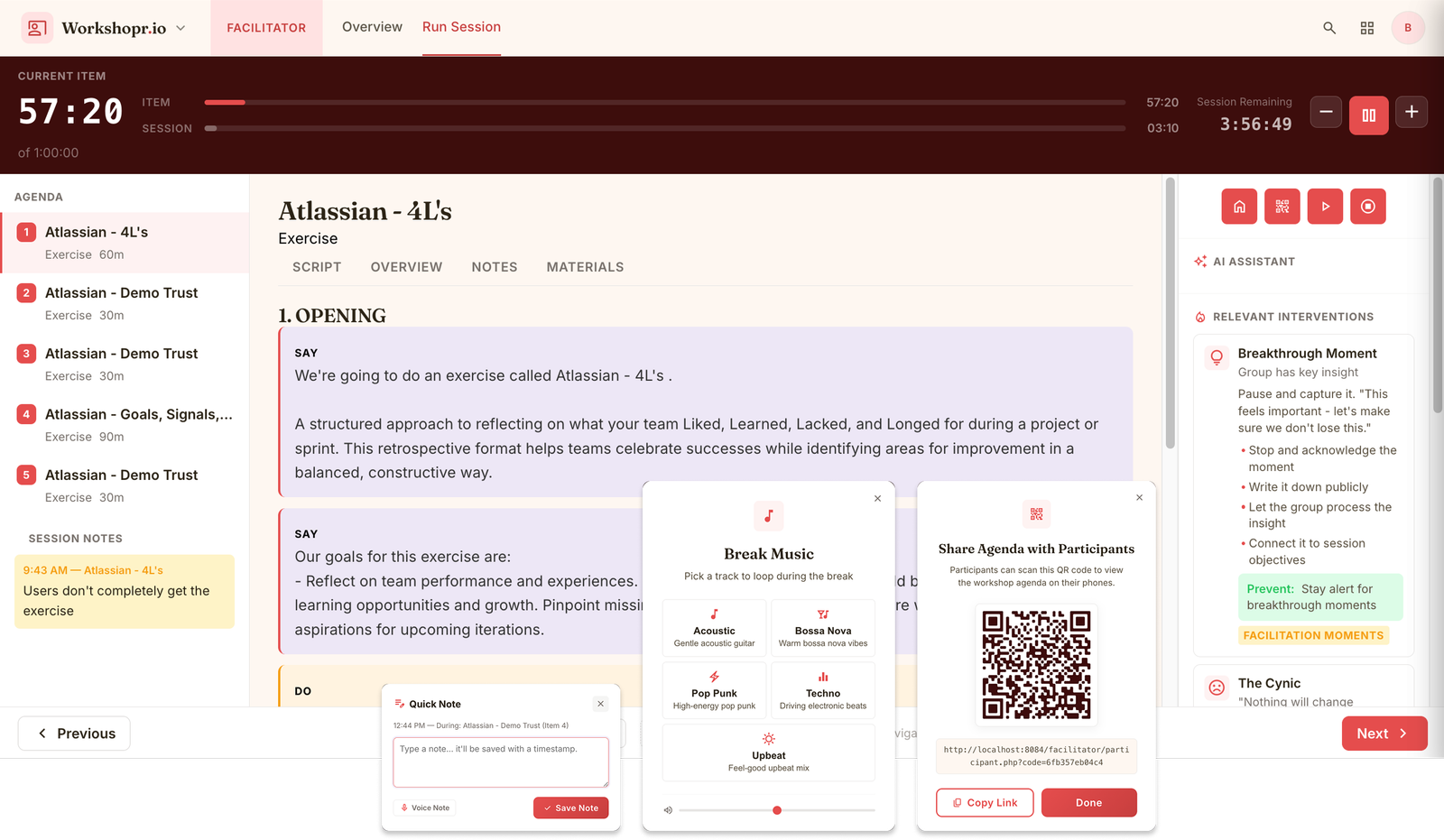
Timers, scripts, AI suggestions, and intervention cards on one screen. Focus on the people in the room, not the clock on the wall.
Works alongside any setup
Microsoft
Teams
Google
Meet
Zoom

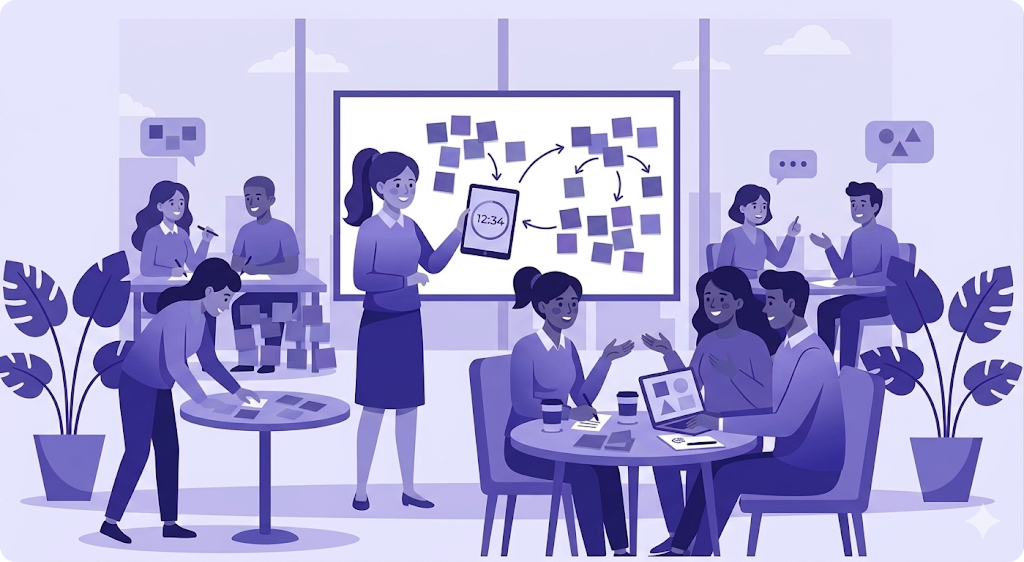
In-Person
Meeting
Hybrid/Remote Meetings
Ready to facilitate with confidence?
Import a workshop from Planner, press start, and let the Facilitator dashboard guide you through every moment.
From plan to session in four steps
Import your agenda
Select any workshop you've built in Planner. Your exercises, timings, and notes transfer automatically.
Start the session
Press start and the dashboard takes over. Scripts load, timers begin, and AI suggestions activate.
Facilitate live
Navigate with keyboard or clicks. Capture notes, pull intervention cards, and let the AI handle transitions.
A teleprompter for facilitators
Every exercise opens with SAY and DO blocks: word-for-word prompts to read aloud, step-by-step setup to follow. You know exactly what comes next, even for an exercise you've never run.
No more scanning a wall of instructions thirty seconds before the room turns to you. No improvising the framing and hoping it lands. The hard part, knowing what to say and when, is already done.
Each block shows its timing too, so you can read the room instead of the clock. Run it cold or run it for the hundredth time, either way, you walk in prepared.
Timer precision, not guesswork
Per-item and session-wide countdowns, anchored to real time. Close the laptop, reload the page, fly through a timezone, the clock keeps counting, exactly where you left it.
Each timer turns amber at two minutes, so you can start landing the discussion before you're out of time, and red when you run over, so a section never quietly eats the one after it.
You facilitate the room; the timing takes care of itself.
Mouse-free navigation
Every critical action has a shortcut. Jump between items, pause the timer, capture a note, or pull up an intervention card, all from the keyboard, all without breaking eye contact. Learn four or five keys and the interface effectively disappears; you stop thinking about where to click and just do the thing.
Because the moment you look down to hunt for a button is the moment the room notices you're managing software instead of leading them.
Your hands stay still, your eyes stay up, and your attention stays where it belongs, on the people in front of you.
Capture it, keep the flow
Drop a timestamped note with a single keystroke, a quote, a tension, a decision worth keeping. Each note pins to the exercise it happened in, so your post-session summary writes itself instead of relying on memory.
Read the room at a glance
Participants tap to signal, thumbs up, slow down, I'm lost, ready to move on. You see the pulse of the room in real time, so you adjust the pace before energy dips instead of long after.
A shared screen everyone follows
Beam a clean, distraction-free view to the room, the current exercise, time remaining, and what comes next. No scripts, no private notes, no clutter. Participants always know where they are without you narrating every transition.
Breaks that feel like breaks
Start a break and music you choose, fades in alongside a countdown the whole room can see. People know exactly when to be back, and the awkward silence-then-scramble of "are we starting again?" simply disappears.
Want the Facilitator’s help inside Zoom, Miro, or Figma?
Workshopr Sidekick puts your agenda, scripts, timer, and intervention cards in a Chrome side panel, so you can run the workshop in your tool of choice without ever switching tabs.