Design Systems
Pattern Library Mapping
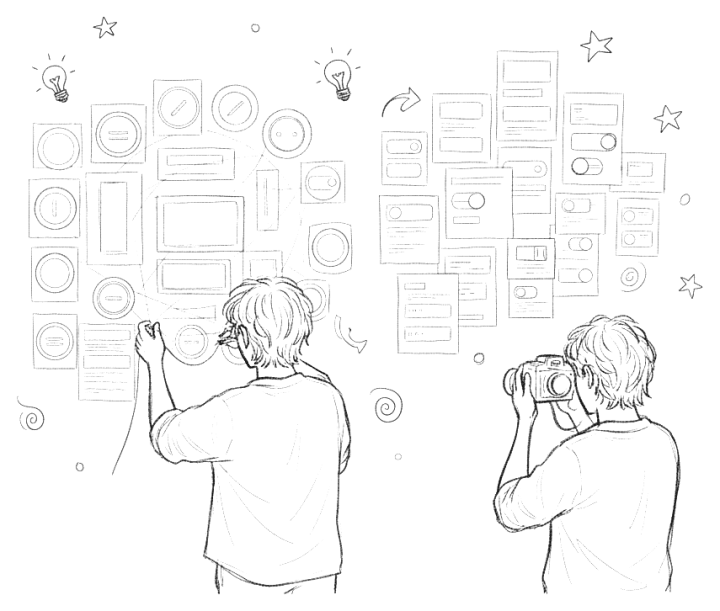
Pattern Library Mapping visually inventories UI patterns in your product. Before building a design system, understand existing patterns, their locations, and relationships. The group leaves with a visual map of every pattern and where it lives.
Duration
3 hours
Group Size
4-6
Category
Design Systems
Difficulty
Easy
Create a comprehensive inventory of UI patterns. Categorize patterns and map relationships. Identify inconsistencies for consolidation. Find gaps where new patterns are needed. Build a foundation for a design system pattern library.
You'll get a visual pattern map of the whole UI. You will document an inventory of patterns with metadata. You will identify consolidation and development priorities. This provides a clear picture of pattern debt and opportunities, and a foundation for systematic pattern library development.
Be exhaustive before organized. Don't skip admin, error, or empty states. Question every 'intentional' variation. Document context, not just appearance. Look for patterns doing the same job differently. Watch for orphan patterns used only once. Note patterns with inconsistent behavior. Identify missing patterns the team builds ad-hoc. Sometimes, teams have a hard time agreeing on pattern categories upfront; I've found it helpful to let them emerge during pattern collection instead. To run it remotely, give each person a frame on a shared board (Miro, FigJam) to paste screenshots into, then cluster them together on one shared canvas.


 Add unlimited notes to any activity
Start the conversation
Be the first to share your thoughts, experiences, or questions!